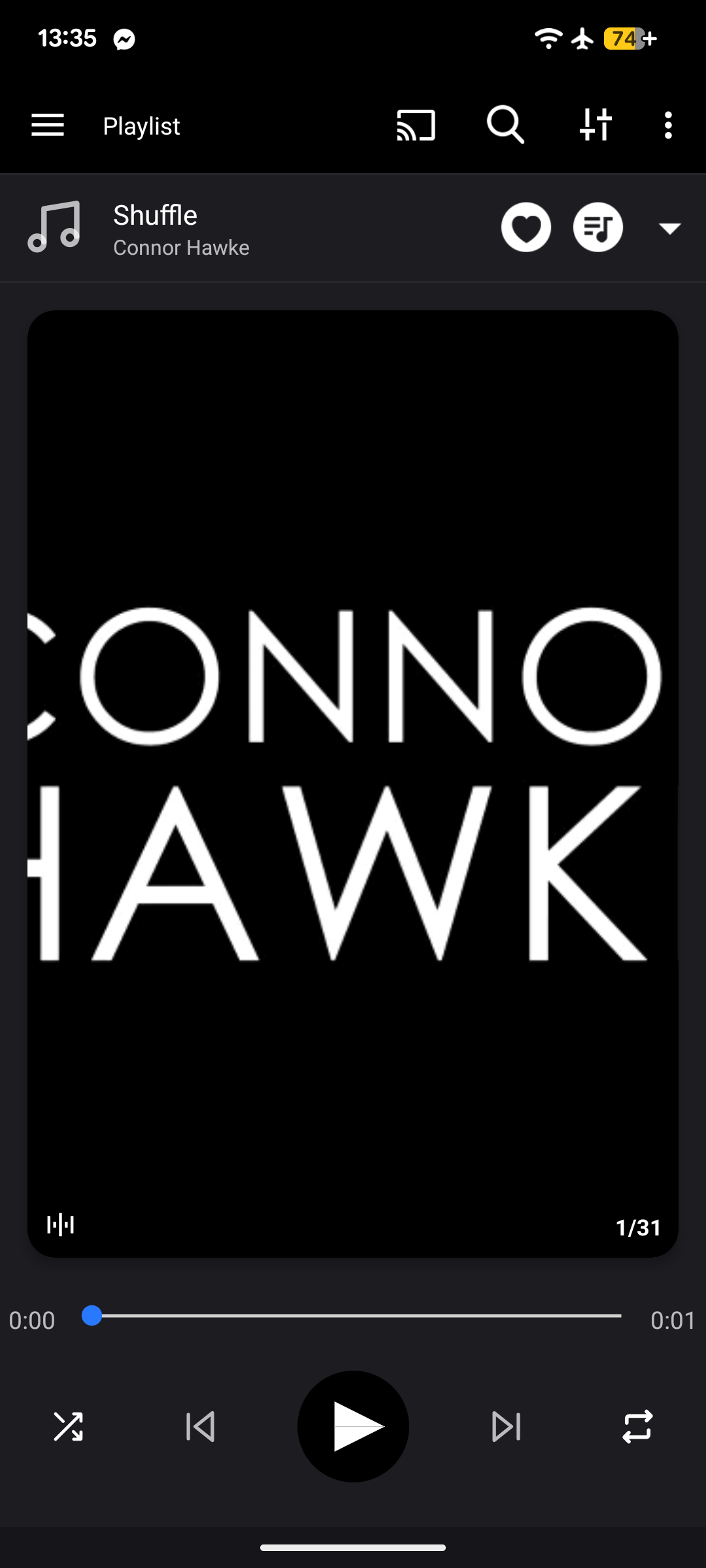
If a music player has a shuffle functionality but still requires you to manually select the first track to play, insert a short silent audio file (up to a few seconds) to the top of the playlist. Whenever you want to shuffle the first song too, just hit the silent file and the song it jumps to (the true first song) will be random.
Feel free to use the one linked here.